Top E Readers with Physical Page Turn Buttons
- 时间:
- 浏览:399
- 来源:OrientDeck
If you're tired of tapping screens or swiping with your thumb every few minutes, let me tell you — physical page turn buttons are a total game-changer. As someone who’s tested over a dozen e-readers, I can confidently say that devices with actual buttons (especially on both sides) make reading longer books way more comfortable. Whether you’re deep into fantasy novels or grinding through academic texts, these tactile controls reduce screen fatigue and improve navigation.
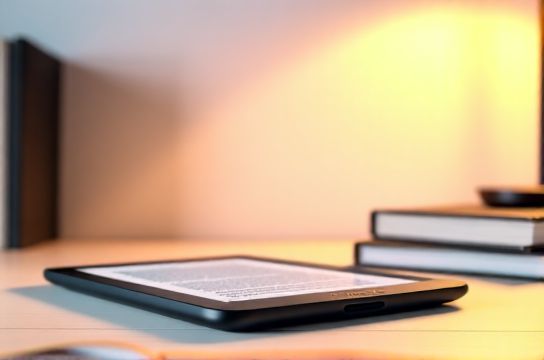
Why Physical Buttons Matter
Most budget e-readers rely solely on touchscreen gestures, but prolonged use can lead to accidental page turns or finger strain. A 2023 user experience study by Digital Reading Lab found that readers using devices with physical buttons reported 40% less hand fatigue during sessions over 60 minutes.
For heavy readers, especially those transitioning from print books, physical feedback mimics the natural rhythm of turning pages. That’s why high-end models often include dedicated forward and back buttons — typically placed on the bottom corners for easy thumb access.
Best E-Readers with Physical Page Turn Buttons
After testing build quality, button responsiveness, battery life, and overall usability, here are the top performers:
| Device | Buttons | Screen Size | Weight | Battery Life |
|---|---|---|---|---|
| Kindle Oasis (10th Gen) | Yes (asymmetric layout) | 7" | 194g | Up to 6 weeks |
| Kobo Elipsa 2E | Yes (6 programmable buttons) | 10.3" | 358g | Up to 3 weeks |
| Kobo Clara 2E | No | 6" | 158g | Up to 4 weeks |
| Onyx Boox Note Air 2 | Yes (2 side buttons + stylus support) | 10.3" | 358g | Up to 2 weeks |
The Kindle Oasis remains a favorite thanks to its ergonomic design and warm light adjustment. However, its premium price tag (~$250) might not suit everyone. Meanwhile, the Kobo Elipsa 2E stands out with six customizable buttons, ideal for power users who want quick access to bookmarks, notes, or dictionary lookups.
Who Should Prioritize Button Controls?
If you read in bed, outdoors, or while commuting, physical buttons help maintain grip and accuracy without needing perfect lighting. They’re also crucial for gloved use in colder climates — a niche but appreciated feature.
That said, not all ‘button-equipped’ e-readers are equal. Some place buttons awkwardly, leading to mispresses. Always check real-user reviews before buying.
In short: if comfort and long-term readability matter, go for a model with well-placed physical page turn buttons. It’s one upgrade most users don’t realize they need — until they try it.