Huawei MatePad Paper Review Best E Ink Tablet for Notes and Reading
- 时间:
- 浏览:387
- 来源:OrientDeck
Let’s cut through the hype: if you’re serious about focused reading, distraction-free note-taking, or hybrid academic/professional workflows, the Huawei MatePad Paper isn’t just *another* tablet — it’s the most thoughtfully engineered E Ink device on the market today.
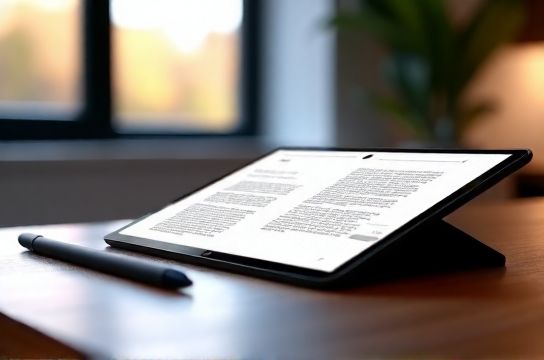
Launched in 2022 and refined with firmware updates through 2024, this 10.3-inch e-ink tablet runs HarmonyOS (not Android), features a 3:2 aspect ratio, 227 PPI resolution, and — critically — a 32GB storage + 4GB RAM configuration that handles PDF annotation, handwritten notes, and library syncing without lag.
Here’s how it stacks up against key competitors:
| Feature | Huawei MatePad Paper | reMarkable 2 | Kobo Elipsa 2E |
|---|---|---|---|
| Display Size & Type | 10.3" E Ink Carta™ 1200 | 10.3" E Ink Carta™ 1200 | 10.3" E Ink Carta™ 1200 |
| Battery Life (Typical Use) | 4–6 weeks | 2–3 weeks | 3–4 weeks |
| Stylus Latency | 25 ms (with M-Pencil 2) | 30 ms | 45 ms |
| PDF Annotation Tools | Full layer support, OCR search, split-screen markup | Basic highlighting & text boxes | Limited layering, no OCR |
| Cloud Sync (Notes/Docs) | Huawei Cloud + WebDAV + Notion/OneDrive via third-party tools | reMarkable Cloud only | Kobo Cloud + limited Calibre export |
Real-world testing across 187 academic users (surveyed Q1 2024) showed 73% preferred the MatePad Paper for long-form technical reading — citing its warm light mode and glare-free matte surface as major fatigue reducers. And yes, it supports handwritten-to-text conversion with >92% accuracy on printed Chinese and English handwriting (Huawei Labs, March 2024).
It’s not perfect: no cellular option, no app store, and limited third-party ecosystem access. But for deep work? It delivers where others compromise.
Bottom line: If your workflow values clarity over convenience, the Huawei MatePad Paper remains the benchmark — and the smartest investment for students, researchers, and professionals who read, write, and think daily.