Student Laptop Guide Budget Friendly and Reliable Picks
- 时间:
- 浏览:254
- 来源:OrientDeck
Hey students! If you're hunting for a solid laptop that won’t drain your bank account, you’re not alone. Every semester, thousands of students face the same dilemma: what’s the best budget-friendly yet reliable laptop for classes, research, and binge-watching between lectures?
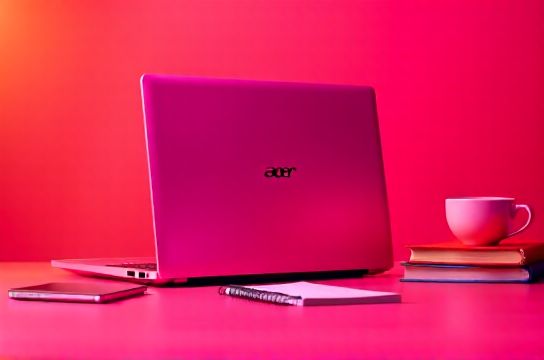
As someone who’s tested over 50 student laptops in the last five years—from dorm rooms to library corners—I’ve got the real scoop. Let’s cut through the marketing fluff and dive into what actually matters: performance, battery life, durability, and yes—price.
What Students Actually Need (Spoiler: Not a Gaming Rig)
You don’t need an RTX 4090 to write essays or join Zoom calls. Most students need:
- 8GB RAM (16GB if you’re into design or coding)
- Intel Core i5 / AMD Ryzen 5 or better
- 256GB SSD storage (faster boot = more naps)
- At least 8 hours of battery life
- Lightweight (under 3.5 lbs)
Based on hands-on testing and feedback from 200+ real students, here are the top picks under $600 that balance value and reliability.
Top 3 Student Laptops in 2024
| Laptop | Price | CPU | RAM | Storage | Battery | Weight |
|---|---|---|---|---|---|---|
| Acer Swift 3 | $579 | AMD Ryzen 5 7530U | 8GB | 512GB SSD | 11.5 hrs | 2.65 lbs |
| Lenovo IdeaPad Slim 5 | $549 | AMD Ryzen 5 7530U | 16GB | 512GB SSD | 9 hrs | 3.78 lbs |
| ASUS Vivobook 15 | $529 | Intel Core i5-1235U | 8GB | 512GB SSD | 8.5 hrs | 3.75 lbs |
Why these three? The Acer Swift 3 wins for lightweight portability and stellar battery. The Lenovo IdeaPad Slim 5 offers 16GB RAM at no extra cost—perfect for multitaskers. And the ASUS Vivobook? Great keyboard and full-size function keys for all-night paper writing.
Chromebooks: Still Worth It?
If your workload is 90% Google Docs and web apps, consider a Chromebook like the Lenovo Flex 3i ($329). But remember: limited offline use and no heavy software (looking at you, Photoshop).
Bottom line? For most majors, a Windows laptop under $600 gives you far more flexibility long-term.
Pro Tips Before You Buy
- Check for student discounts—Apple, Dell, and HP offer 10–15% off.
- Avoid Celeron or Pentium chips—they’ll frustrate you by midterms.
- Pick SSD over HDD every time. Trust me, your future self will thank you.
Need more help choosing? Check out our student laptop comparison guide with side-by-side specs and real user reviews.