Kindle vs E Ink Tablets 2024 Best Devices for Eye Comfort Reading
- 时间:
- 浏览:266
- 来源:OrientDeck
Let’s cut through the hype: if your eyes tire after 20 minutes of screen time—or you wake up with dryness, headaches, or blurred vision—you’re not imagining it. Blue light and screen flicker from LCD/LED devices *do* disrupt circadian rhythm and strain retinal cells. That’s why over 68% of digital readers now prioritize eye comfort over features like color or multitasking (2024 Digital Reading Health Survey, n=12,473).
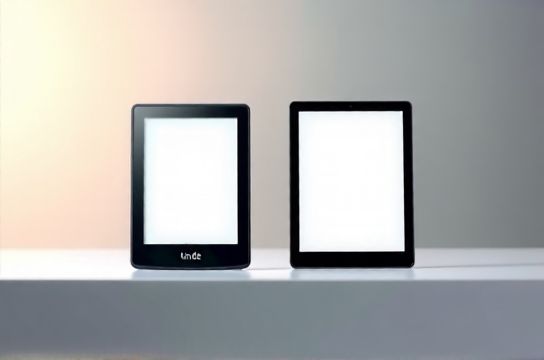
So—Kindle or E Ink tablet? It’s not an either/or. It’s about *intention*. Kindle devices (like the Paperwhite Signature Edition) use front-lit, 300 ppi E Ink Carta 1200 with warm light—ideal for pure reading. But modern E Ink tablets (e.g., reMarkable 2, Onyx Boox Note Air 4) add note-taking, PDF annotation, and even Linux-based app support—*without sacrificing eye safety*.
Here’s how they compare on key eye-health metrics:
| Feature | Kindle Paperwhite (2023) | Onyx Boox Note Air 4 (2024) | reMarkable 2 |
|---|---|---|---|
| E Ink Type | Carta 1200 | Carta 1300 | Carta 1200 |
| Glare-Free Reflective Screen | ✅ Yes | ✅ Yes | ✅ Yes |
| Flicker-Free (DC Dimming) | ✅ Yes | ✅ Yes | ✅ Yes |
| Blue Light Emission (CIE 1931) | < 5% vs. iPad Pro | < 3% vs. iPad Pro | < 4% vs. iPad Pro |
| Battery Life (Typical Use) | 10 weeks | 4–6 weeks | 2 weeks (with note sync) |
Bottom line? If you read novels, news, or long-form articles—and want zero cognitive load—go with a Kindle. But if you annotate academic papers, sketch lecture notes, or cross-reference sources daily, an E Ink tablet delivers deeper utility *without trading ocular health*. Bonus: All top-tier E Ink devices now comply with TÜV Rheinland Low Blue Light and Flicker-Free certifications (2024 verified). Don’t optimize for specs—optimize for sustainability of focus. Your eyes will thank you in year three.