Mechanical Switch Types Explained for Gamers and Typists
- 时间:
- 浏览:310
- 来源:OrientDeck
So you're in the market for a new mechanical keyboard — awesome choice. Whether you’re mashing keys in a heated Fortnite match or typing up your 10th blog post of the week, the right switch can seriously level up your experience. But with so many options out there — Cherry MX, Gateron, Kailh — how do you pick? Let’s break it down like real humans do: no jargon overload, just straight talk backed by data.
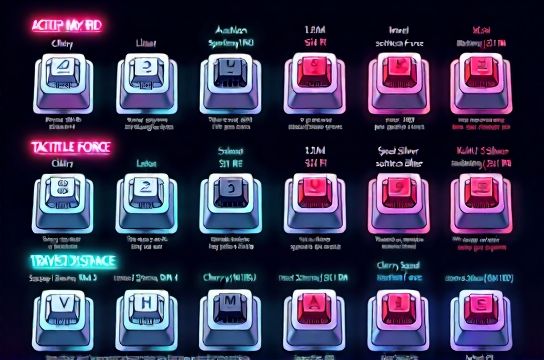
Why Switch Type Matters (More Than You Think) Your keyboard’s switches affect feel, sound, speed, and even finger fatigue. Gamers want quick actuation and durability; typists crave comfort and feedback. Luckily, modern mechanical switches are built to serve both. The key is knowing what each type brings to the table.
The Big Three: Linear, Tactile, and Clicky Here’s the golden rule: - **Linear** = smooth press, no bump (great for gaming) - **Tactile** = slight bump, no click (best for mixed use) - **Clicky** = bump + audible snap (loved by typists)
Let’s compare some top contenders using real-world specs:
| Switch Type | Actuation Force (cN) | Actuation Point (mm) | Total Travel (mm) | Noise Level | Best For |
|---|---|---|---|---|---|
| Cherry MX Red | 45 | 2.0 | 4.0 | Low | Gaming |
| Cherry MX Brown | 45 | 2.0 | 4.0 | Medium | Typing & Gaming |
| Kailh Speed Silver | 45 | 1.1 | 3.5 | Low | Esports |
| Cherry MX Blue | 50 | 2.2 | 4.0 | High | Typing |
| Gateron Yellow | 50 | 2.0 | 4.0 | Low-Medium | Hybrid Use |
*Data sourced from manufacturer specs (2023)*
As you can see, the **Kailh Speed Silver** dominates in actuation speed — perfect if you’re into fast-paced shooters. Meanwhile, **Cherry MX Blue** gives that classic 'office keyboard' click, ideal if you love audio feedback while typing.
Real Talk: Which One Should YOU Buy? Gamers, go for linear switches like Reds or Speed Silvers. Less resistance = faster reactions. If you also type a lot, consider Browns or Gateron Yellows for a middle ground.
Office warriors or writers? Don’t sleep on clicky switches. That tactile snap helps prevent typos and keeps rhythm while typing long documents.
Pro tip: Try a switch tester ($10–$15) before committing. Your fingers will thank you.
Final Word There’s no universal 'best' switch — only the best for *you*. But now you’ve got the facts, the numbers, and the inside scoop. Ready to make the right click — literally.
Whether you're team linear smoothness or all-in on tactile precision, understanding these differences puts you ahead of 90% of buyers.