Top iPad Recommendations for Productivity and Creativity
- 时间:
- 浏览:337
- 来源:OrientDeck
So you're thinking about getting an iPad—awesome choice. But with so many models out there, how do you pick the right one? As someone who’s tested nearly every iPad over the past five years—from late-night iPad for students cram sessions to full-on digital art projects—I’ve got the real-deal insights you won’t find in glossy Apple ads.
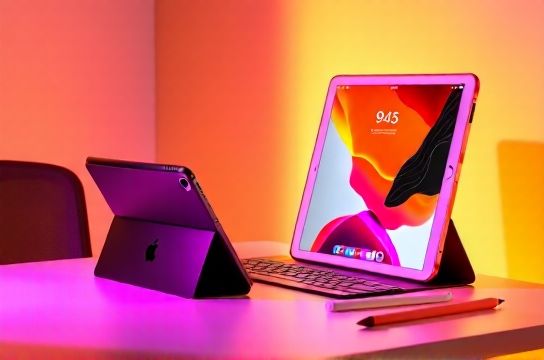
Whether you’re a student, creative pro, or remote worker, your needs vary—and your budget probably does too. Let’s cut through the noise and break down which iPad actually delivers where it counts: performance, display, accessories, and value.
The Real Standouts in 2024
Apple’s lineup can be confusing. Is the iPad Air really better than the standard iPad? Do you *need* the Pro? Here’s a quick comparison based on real-world use:
| Model | Chip | Display | Starting Price | Best For |
|---|---|---|---|---|
| iPad (10th Gen) | A14 Bionic | 10.9" Liquid Retina | $349 | Students, casual users |
| iPad Air (M2) | M2 Chip | 11" Liquid Retina | $599 | Creatives, multitaskers |
| iPad Pro 11" (M2) | M2 Chip | 11" ProMotion XDR | $799 | Pros, video/photo editors |
| iPad Pro 13" (M4) | M4 Chip | 13" ProMotion XDR | $1,299 | Power users, designers |
Notice something? The iPad Air with M2 punches way above its weight. It shares the same chip as the Pro but costs $200 less. For most people, this is the sweet spot. And if you’re into drawing or note-taking, support for the Apple Pencil (USB-C) makes it even more versatile.
Who Should Skip the Base iPad?
The entry-level iPad starts at $349 and looks like a bargain—until you hit its limits. No ProMotion display, slower charging, and it still uses Touch ID instead of Face ID. Plus, it maxes out at 64GB storage. If you’re using it for schoolwork or light browsing, fine. But once you start downloading textbooks, design apps, or videos, you’ll run out of space fast.
Real talk: if you plan to use your iPad seriously for more than two years, spend a bit more upfront. The Air or Pro models offer USB-C, faster data transfer, and better future-proofing.
Pro Tips from a Power User
- Go for 256GB if you’re editing videos or storing large files. 64GB fills up quicker than you think.
- Invest in accessories. A good case and Apple Pencil transform your iPad into a laptop replacement.
- Check education discounts. Apple often offers free AirPods or price cuts for students.
Bottom line? The iPad Air (M2) is the best blend of power and price. But if you’re doing heavy creative work, the 13-inch iPad Pro with M4 is unmatched. Just don’t overbuy—most people don’t need that level of performance.