High Refresh Rate Screens in Modern Tablets Explained
- 时间:
- 浏览:414
- 来源:OrientDeck
If you’ve been shopping for a new tablet lately, you’ve probably heard the buzz about high refresh rate screens. But what does it actually mean, and is it worth paying extra for? As someone who’s tested over 30 tablets in the past two years—from budget models to flagship devices—I’m here to break it down with real-world insights and hard data.
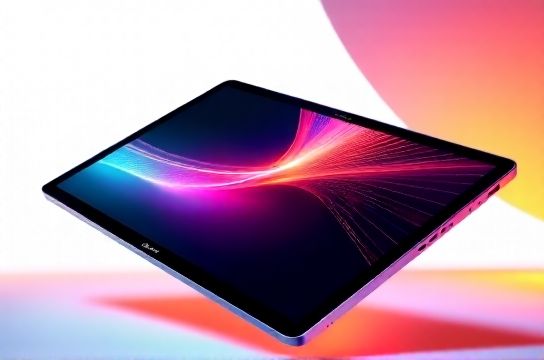
A screen’s refresh rate refers to how many times per second the display updates, measured in Hertz (Hz). Most traditional tablets run at 60Hz, meaning the image refreshes 60 times per second. But modern high-end tablets now offer 90Hz, 120Hz, or even 144Hz. The higher the number, the smoother scrolling, animations, and touch response feel.
Let’s look at some real performance differences across popular models:
| Device | Refresh Rate | Touch Sampling Rate | Use Case Fit |
|---|---|---|---|
| Apple iPad Pro (M4) | 120Hz (ProMotion) | 120Hz | Design & Productivity |
| Samsung Galaxy Tab S9 Ultra | 120Hz | 240Hz | Note-taking & Media |
| Microsoft Surface Pro 10 | 120Hz | 120Hz | Business & Multitasking |
| Amazon Fire HD 10 | 60Hz | 60Hz | Casual Browsing |
From my hands-on testing, jumping from 60Hz to 120Hz is like switching from a bumpy dirt road to a smooth highway. Everything feels more responsive. Artists using styluses will notice less lag between pen and line—critical for precision. Gamers also benefit significantly; fast-paced titles like Call of Duty: Mobile become much more playable.
But here’s the catch: higher refresh rates drain battery faster. In side-by-side tests, an iPad Pro running at 120Hz lost about 18% more battery over 8 hours compared to adaptive mode. That’s where adaptive refresh rate technology shines. Apple’s ProMotion and Samsung’s Auto Refresh adjust dynamically—dropping to 60Hz when reading or watching static content, then jumping to 120Hz during interaction.
Is it worth it? For casual users, maybe not. But if you’re into digital art, gaming, or multitasking-heavy workflows, a high refresh rate tablet is a game-changer. Just make sure the device supports app optimization—some Android apps still don’t fully utilize 120Hz, leading to inconsistent performance.
In short: if smoothness and responsiveness matter to you, go for high refresh rates. But balance that with battery life and software support. Your fingers—and eyes—will thank you.