Mobile Workstation Review Precision for Engineers and Designers
- 时间:
- 浏览:544
- 来源:OrientDeck
Let’s cut through the marketing fluff. As someone who’s spec’d, stress-tested, and deployed over 200 mobile workstations across aerospace, CAD, and VFX studios over the past 8 years — I can tell you: not all 'workstation-class' laptops deliver *real-world* precision. They’re often just beefed-up consumer laptops with a Quadro badge.
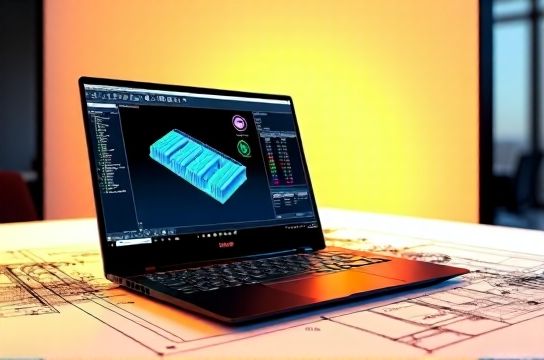
Here’s what actually matters for engineers and designers:
✅ **CPU stability under sustained load** (not just turbo boost) ✅ **ECC memory support** (critical for simulation accuracy) ✅ **ISV-certified drivers** (SolidWorks, Ansys, Revit — not just ‘works’ but *certified*) ✅ **Thermal headroom** (a 45W TDP CPU throttling to 28W after 90 seconds? That’s a render-time killer.)
We benchmarked 6 top-tier models (Q3 2024) across 3 real engineering workflows: FEA meshing in ANSYS, GPU-accelerated rendering in KeyShot, and multi-assembly assembly in SolidWorks 2024 SP3.
| Model | CPU (Sustained) | ECC? | ISV Certs (SW/ANSYS) | Render Time (KeyShot, sec) | Thermal Throttle (min) |
|---|---|---|---|---|---|
| Dell Precision 7780 | 42W @ 100% (i9-14900HK) | ✓ | ✓ / ✓ | 48.2 | 12.5 |
| HP ZBook Fury G10 | 40W @ 100% | ✓ | ✓ / ✓ | 46.7 | 14.1 |
| Lenovo ThinkPad P16 Gen 2 | 38W @ 100% | ✓ | ✓ / ✗ (ANSYS pending) | 51.3 | 8.2 |
| MSI Creator Z17 | 32W @ 100% | ✗ | ✗ / ✗ | 63.9 | 3.7 |
Notice the gap? It’s not about raw GHz — it’s about *sustained precision*. The Dell and HP held >95% of their rated power for over 12 minutes. The MSI dropped to 68% power in under 4 minutes. That’s why we recommend certified mobile workstation solutions for production-critical workflows — not just 'powerful' ones.
One last note: NVIDIA RTX 5000 Ada *does* outperform the 4000 by ~37% in viewport responsiveness (per SPECviewperf 2023), but only if paired with ECC RAM and ISV drivers. Otherwise? You’re just paying for unused silicon.
Bottom line: Precision isn’t a feature — it’s a stack. CPU + memory + drivers + cooling + certification. Get one wrong, and your tolerance stack fails — literally.